A plan says what to make. The process sheet says how. Build a master process sheet of operations and activities for job and batch production — standard cost, standard cycle and setting time, in sequence. Copy it to an order process sheet, retime it, re-sequence it, reassign machines, and print the manufacturing sheet, process sheet and job card. This routing is what feeds machine loading and the schedule.
The process sheet sits between the netted work order and the shop floor. It is authored once as a master, copied to an order, tuned to the job, and printed — then its operation times feed machine loading and the schedule.
A master process sheet holds the standard route against an item — the sequenced list of operations and activities needed to make it. It exists for both job production and batch production, and every order for that item starts from it. Each operation carries a standard cost, a standard cycle time and a standard setting time, so the sheet is not just a checklist but the costed, timed definition of how the part is made. Because the operations are sequenced, it also fixes the order in which the work happens.
Repeat work runs straight from the master, but a make-to-order job usually needs its own route. Build an order process sheet by copying the master — or a previous order's sheet — then tune it to the job: modify the cycle and setting times, apply an order-wise cost, re-sequence the operations, and reassign machines. The master stays clean while the order carries a route matched to its batch size, its tolerance and the machines actually free. It is the discipline a machine shop or job-work plant lives on.
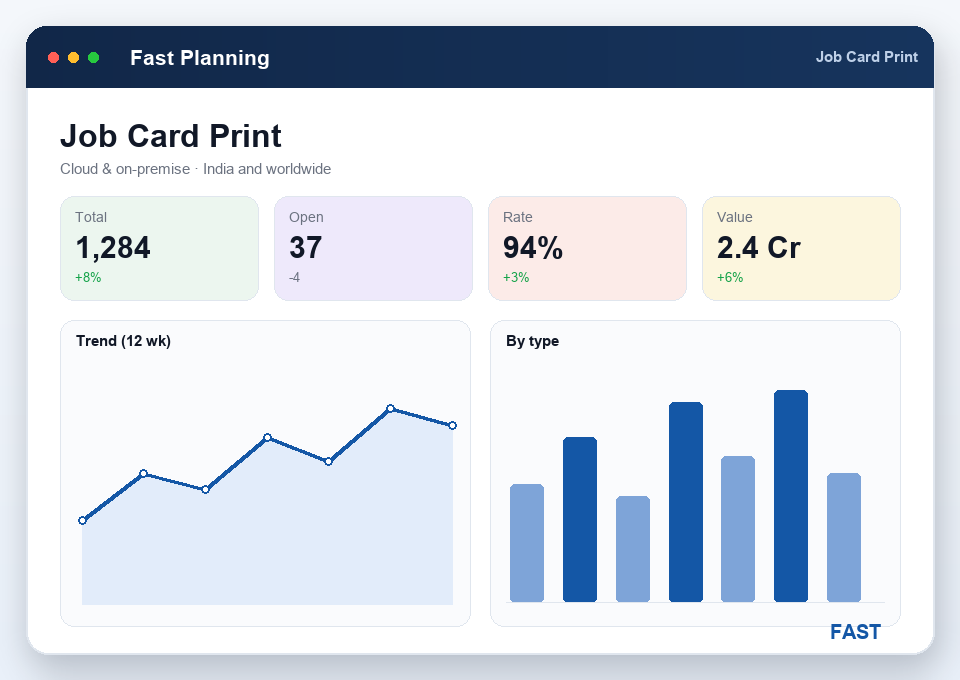
A route on a screen is no use at the machine. The order process sheet prints as the documents the shop works from: the manufacturing sheet and process sheet lay out the operations, machines and standard times for the job, and the job card is the packet an operator runs from. All three come off the same sheet, so what the floor holds matches the route the planner built — there is no second set of paperwork to keep in step, and nothing to argue about when the job reaches the line.
Every operation on the process sheet names a machine and carries a cycle and setting time — which is exactly what the system needs to know how much work each machine is being asked to do. Those operation times roll straight into the machine loading report, showing daily load and percentage loading per machine, and onto the priority and Gantt schedule. Change a machine or a time on the process sheet and the loading and schedule move with it, so the plan on paper and the load on the floor stay the same thing.
The standard, reusable route for an item — a sequenced list of operations and activities for both job and batch production.
A standard cost held against each operation or activity, so a route is a costed definition of the part, not just a checklist.
A standard cycle time and setting time per operation — the yardstick for loading, scheduling and actual-vs-standard efficiency.
A route for a specific order, copied from the master or a previous order and tuned with order-wise cost and times.
Rearrange the sequence of operations and redefine the machines an order runs on, without disturbing the master route.
The printed documents the floor works from — all produced from one order process sheet so route and paperwork never drift.
A hand-written route card tells the operator what to do next. It does not cost the job, feed loading or stay in step with the plan — and for the bigger picture, read what is production planning software?
A master process sheet is the standard route held against an item — the ordered list of operations and activities needed to make it, each carrying a standard cost, a standard cycle time and a standard setting time. It exists for both job production and batch production, and it is the reusable template every order for that item starts from. Because the operations are sequenced, the sheet also defines the order in which work happens.
An order process sheet is the route for a specific order. You build it by copying the master process sheet — or a previous order's sheet — and then adjusting it to the job: modify the cycle and setting times, apply an order-wise cost, re-sequence the operations, and reassign machines. So repeat work runs straight from the master, while a make-to-order job carries a route tuned to that order without disturbing the standard.
They are the printed documents the route produces for the shop floor. The manufacturing sheet and process sheet lay out the operations, machines and standard times for the job, and the job card is the packet an operator works from at the machine. All three come off the same order process sheet, so what the floor holds matches the route the planner built — with barcodes that feed shop-floor scanning and no separate paperwork to keep in step.
Yes. The order process sheet lets you modify both the cycle time and the setting time per operation for that order, without changing the master. That matters when an order runs on a different machine, a larger batch, or a tighter tolerance than the standard assumes. The adjusted times then drive the order-wise cost and, downstream, machine loading and the schedule.
Every operation on the route names a machine and carries a cycle and setting time, so the route is what tells the system how much work each machine is being asked to do. Those operation times roll into the machine loading report — daily load and percentage loading per machine — and onto the priority and Gantt schedule. Change a machine or a time on the process sheet and the loading and schedule move with it.
Live demo of the process sheet — master and order routes, standard cost, cycle and setting times, machine reassignment and printed job cards — on a part like yours. Book a slot with our team in Pune.
