This is the engine. MRP takes the released plan, explodes each finished good through the BOM to gross requirements at every level, then nets each item against stock and open supply. Net Requirement = Gross Demand − Stock on Hand − Open Supply. Whatever is still short is split into a purchase requisition to buy and a work order to make — one run, one honest answer.
MRP reads the released sales and production plan, walks each finished good through its BOM, and turns raw demand into a costed, netted set of actions. New to material requirements planning? Start with what is MRP software?
A plan asks for finished goods, but a finished good is built from sub-assemblies, and those from raw material. The explosion walks the bill of materials down every level, multiplying quantity-per at each step, so a demand for 250 pumps becomes gross requirements for the housings, the gears, the castings and everything underneath. The explosion is only as good as the BOM behind it — which is why the same released, revision-controlled bill drives both planning and the shop floor.
Gross requirement is not what you need to act on — you may already hold some, and more may be on the way. So each item is netted with one clear formula: Net Requirement = Gross Demand − Stock on Hand − Open Supply, where open supply is open purchase orders plus open work orders plus reserved stock. The engine reads live inventory, so the netting reflects the real position, not last week's. Whatever survives the subtraction is the net requirement — the exact quantity that becomes a requisition or a work order.
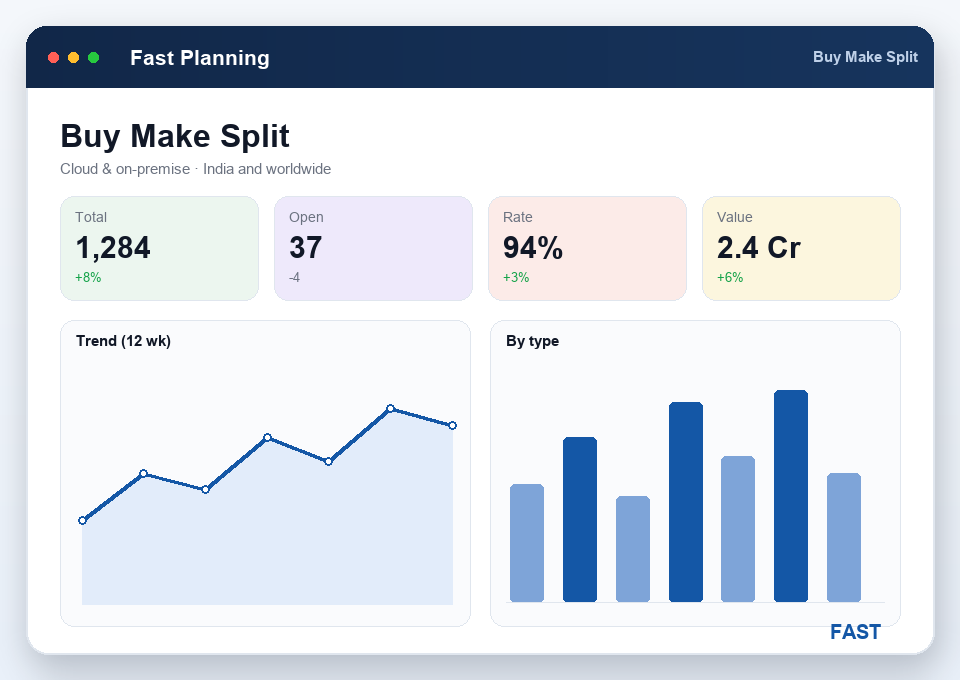
Once an item is netted, what happens next is decided by what the item is. Raw material and bought-out items flow to the raw-material and bought-out plan, whose net becomes a purchase requisition handed to purchasing. In-house semi-finished goods (SFG) and outsourced components (OSL) flow to the component plan, whose net becomes a work order to make in-house or send out. A single run produces both — the buy side pointed at Fast Purchase, the make side pointed at the floor with its process sheet and routing.
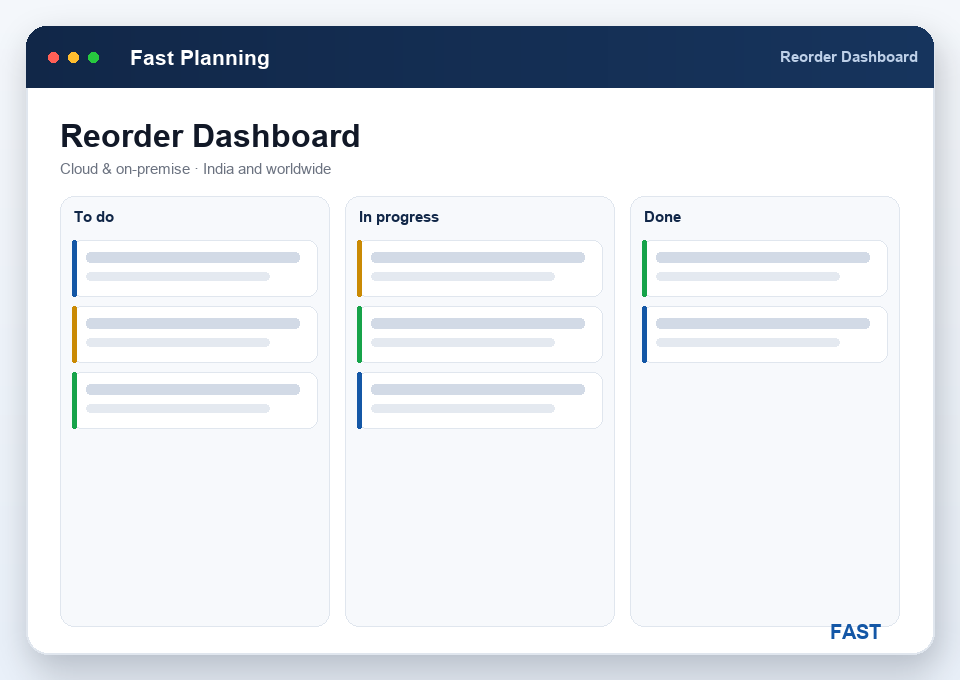
When several plans share the same inventory, honesty matters. Reserve stock against a plan and that quantity is committed — a second plan netting the same item won't see it as free, so it can't allocate the same stock twice. The stock reservation report shows exactly what is committed where. And between formal runs, the Reorder-Level Dashboard watches free stock against each item's reorder level and proposes a purchase requisition the moment an item drops below its point — continuous, auto-PR replenishment so a shortage never waits for the next cycle.
Walk each finished good's demand down the multi-level bill to gross requirements for every sub-assembly, component and raw material.
Net gross demand against stock on hand and open supply — open POs, open work orders and reserved stock — for a true net requirement.
The buy side of the net — raw material and purchased items whose shortfall becomes a purchase requisition for procurement.
The make side — in-house semi-finished goods and outsourced components whose net becomes a work order to manufacture or send out.
Commit inventory to a plan so it can't be allocated twice, with a reservation report showing what is committed to which plan.
A live cockpit watching free stock against reorder points, proposing auto-PRs between runs so shortages don't wait for the next cycle.
Ordering from a hand-built shortage list means guessing at stock, missing open supply and over-buying. Here is what a netted explosion changes. New to the mechanics? Read what is MRP software?
BOM explosion takes each finished good in the released plan and walks its bill of materials down every level — sub-assemblies, components and raw material — multiplying quantity-per at each step to derive gross requirements for every item the product needs. A demand for 250 pumps becomes gross requirements for 250 housings, 500 gears, the castings underneath them, and so on. That gross requirement is what netting then compares against stock and open supply.
For each item the calculation is Net Requirement = Gross Demand − Stock on Hand − Open Supply, where open supply is open purchase orders plus open work orders plus stock already reserved. The gross demand comes from the exploded plan, stock on hand is live inventory, and open supply is anything already on the way. Whatever is still short after that subtraction becomes the net requirement — the quantity you actually need to act on.
Once an item is netted, its shortfall is routed by what the item is. Raw material and bought-out items go to the raw-material and bought-out plan, whose net becomes a purchase requisition handed to purchasing. In-house semi-finished goods and outsourced components go to the component plan, whose net becomes a work order — carrying its process sheet and routing — to make or send out. One run produces both a buy list and a make list, each pointed at the right team.
Stock can be reserved against a plan, which commits that inventory to it. Because reserved stock counts as open supply that is already spoken for, a second plan netting the same item will not see the reserved quantity as free, so it cannot allocate it again. The stock reservation report shows exactly what inventory is committed to which plan, keeping the netting honest when several plans run against shared inventory.
The Reorder-Level Dashboard is a live cockpit that watches free stock against each item's reorder level — a planning parameter held per item along with lead time. When an item falls below its reorder point it is listed with a suggested purchase requisition, so replenishment is proposed continuously between formal MRP runs. It is the day-to-day safety net that catches shortages the periodic plan would only pick up on its next cycle, with alerts available on WhatsApp, email or SMS.
Live demo on your own products — your BOM levels, your stock, your reorder points. Watch a demand become a buy list and a make list. No generic slideshow.
