Explode the BOM, net against stock to decide what to make and buy, raise work orders and purchase requisitions, schedule them against finite machine capacity, then measure plan vs actual and OEE.
Planning by spreadsheet means you're always a step behind — chasing missing parts, shuffling machines and firefighting just to hit dispatch.
You spot a missing part on the shop floor, not on the plan. Now the order waits while you rush a last-minute purchase.
One machine is jammed with work while another sits empty, because nobody can see the real load before the day begins.
Priorities change by the hour and the plan lives in someone's head, so the team spends the day reacting instead of running to plan.
Fast Planning Software looks at what you need to make, checks what you already have in stock, and works out exactly what to buy and what to build — and when. It then lays every job onto your machines on a clear day-by-day calendar, so nothing is forgotten and no machine is left guessing.
It breaks each order down to every part and material, subtracts what's already in stock, and tells you exactly what's short.
Every job is placed on a simple daily plan for each machine, so you can see at a glance what runs where and when.
As work happens on the floor, you see what's done, what's pending and how each machine is really performing.
You order the right materials early, so parts are ready before the job needs to start.
Balanced loading keeps every machine working without piling too much onto any one of them.
A realistic, capacity-checked plan means orders finish when you promised them.
The whole team works from the same live plan instead of scattered Excel sheets and WhatsApp messages.
Fast Planning Software takes demand through one controlled cycle: plan it, explode and net it into work orders and purchase requisitions, then schedule, execute and measure it against finite machine capacity.
Every run starts with demand — a sales plan, a production plan, or confirmed customer orders. Fast Planning explodes each finished good through its BOM and Bill of Resources down to sub-assemblies, components and raw material, then nets every item against stock on hand, open POs, open work orders and reserved stock.
Whatever is still short becomes a suggestion: a Purchase Requisition for bought-out items and raw material, or a Work Order for what you make in-house. Stock can be reserved against a plan so two plans never double-count the same inventory, and a reorder-level dashboard proposes replenishment between runs.
Read more
A master process sheet defines how an item is made — the operations and activities, the work centre each runs on, the standard cost, and the standard cycle and setting time, in sequence. Authored once for a job or batch, it becomes the reusable definition every order draws from.
For a specific order, copy the master or a previous sheet, modify times, re-sequence operations and reassign machines, and get an order-wise cost. That order process sheet drives the manufacturing sheet and job card the floor works from — and feeds the standard times that machine loading and scheduling plan against.
Read more
Once work orders exist, Fast Planning loads them against finite machine and work-centre capacity. It shows daily load per machine, percentage loading, the load from pending work, and projected resource availability — so you can see which work centre is overloaded before it turns into a late delivery, and re-balance across machines and shifts.
Order and project priority plus resource priority drive an order-wise planned schedule, laid out on a DayPilot Gantt scheduler board. Re-sequence priority and the board re-orders instantly; work-order job cards print single or in batch for the floor.
Read more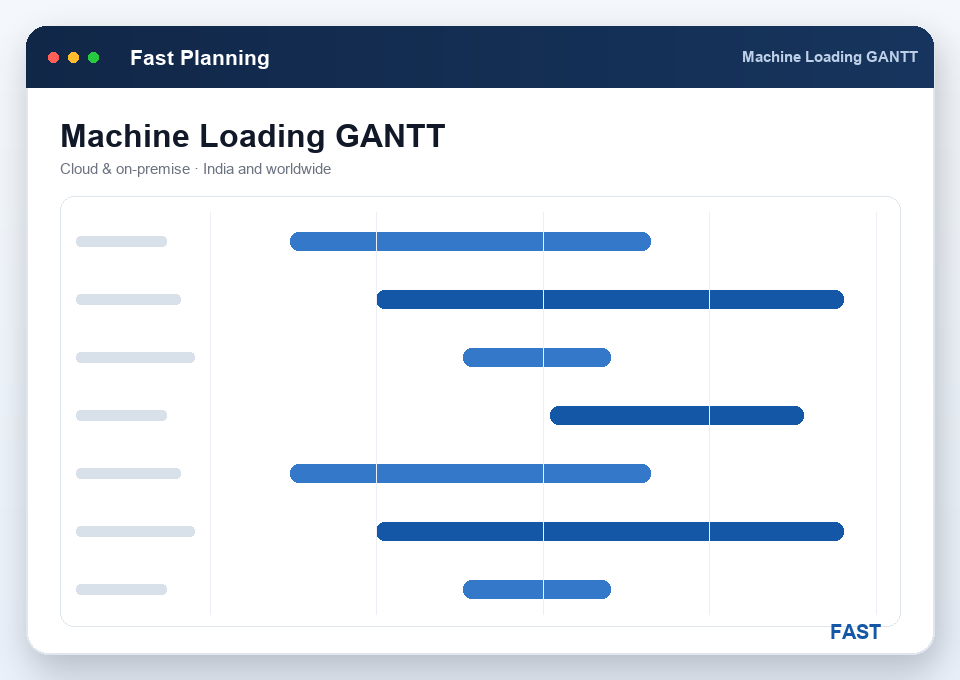
The floor books process status by scanning shift, machine and operator barcodes: actual start and end, cycle and setting time, OK and not-OK production, machine stoppage and breakdown. IoT / Industry 4.0 devices can capture machine start/end times and readings automatically. Live machine and job-card status show where every order stands right now.
From those actuals Fast Planning reports plan vs actual, work-centre / machine / operator utilization and efficiency, rework, and idle-time and additional-time summaries — with graphical OEE-style dashboards. Measured performance feeds straight back into the next planning run.
Read more
Fast Planning Software ships with the planning and MIS a PPC team actually runs on — order-wise and work-centre planning, machine loading, plan vs actual, utilization and efficiency — plus Dhruv AI, our own AI layer for the questions a fixed report can't answer.
Every order laid out against its planned schedule — released, pending, in-progress or completed — so the planner sees each job's position and due date before it slips.
Load and pending work per work centre, with completed and pending views — see which centre is the bottleneck and where free capacity is sitting idle.
Items whose free stock has fallen below their reorder level, with a suggested Purchase Requisition for each — the day-to-day replenishment safety net between planning runs.
Daily load per machine and percentage loading against available capacity, including the load from pending work and projected availability — so overloads surface before they become late deliveries.
Planned quantity and time against actual booked from the floor, by order, machine, shift and operator — the single number that tells you whether the plan is holding.
Work-centre, machine and operator utilization from booked time — productive time versus idle, setting and additional time, so you see where capacity is really going.
Daily and monthly operator efficiency against standard cycle times, plus machine-wise efficiency — measured output versus the standard the process sheet expects.
Work-centre rework and reject summaries — where not-OK production is coming from and how much time it costs — so quality problems are visible by machine and operation, not just at the end.
Dhruv AI, our own AI engine, summarises your planning and OEE dashboards in plain language and answers questions like "which work centre ran below plan last week?" as a safe, read-only query.
Fast Planning Software is one of 12 integrated Fast Technology products built on a single platform. It sits between demand and execution — taking orders from Fast CRM, netting against Fast Inventory stock, and handing work orders to Fast Production — all on one item master, one BOM and one stock ledger, zero double entry.
The downstream. Work orders Planning generates flow straight into Production, which issues material, runs the route and reports completion back.
Same stock ledger. Every MRP netting run reads live on-hand and reorder levels, and reserves stock against a plan so it is never double-committed.
The buy side. Purchase requisitions Planning raises for bought-out items and raw material flow into procurement and billing without re-keying.
The upstream. Confirmed customer orders become demand: Planning seeds its sales plan straight from order acceptance, so production is tied to real orders.
Not-OK production and rework booked against the plan feed inspection and the NCR / CAPA engine, closing the quality loop on planned output.
The full superset. Planning is simply the MRP branch of Fast ERP — the same item master, BOM, orders and stock your whole business runs on.
We map your planning process first — how demand arrives, how your BOM and routes are structured, how you net stock, how machines are loaded, where the plan breaks down. Then we configure Fast Planning Software to fit your shop floor. Not the other way around.
Post go-live is not where we disappear. Dedicated support team, multiple channels, monthly review meetings, and patches issued on feedback. We treat support as part of the product.
A make-to-order engineering shop, a job-work machine shop, and a batch process plant plan differently. Fast Planning Software serves each — on the same BOM, netting, machine loading and OEE engine, cloud or on-premise, across India and worldwide.
Plan against confirmed customer orders and their exploded BOMs — net each order, raise its work orders and requisitions, and schedule it to promised dates.
Load turning, milling and grinding centres to finite capacity, sequence by priority on a Gantt, and book progress by barcode to measure machine utilization and efficiency.
Cycle-time-driven capacity planning for high-volume parts, with setting-time isolation, plan vs actual and OEE-style dashboards the tier supply chain expects.
Plan batch recipes and process sheets, net raw material and intermediates against stock, and schedule batches across shared equipment with reorder-driven replenishment.
Plan cutting, bending, welding and finishing across shared work centres — net plate and section stock, load the machines, and schedule jobs to promised dates.
Engineer-to-order machines carry a per-order BOM and long-lead procurement — explode the build, net long-lead items early, and schedule the assembly against capacity.
Because Fast Planning runs on the shared document engine, its integrations are native table-level links, not brittle interfaces. It hands work orders to Fast Production, nets against Fast Inventory stock and raises Fast Purchase requisitions — while barcode, IoT machine data, Excel, WhatsApp and Dhruv AI keep the plan and the floor in sync. One backbone.
See all integrationsSee how Fast Planning Software turns your demand into a costed, capacity-checked plan. Live demo, your BOM, your machines, your questions. No generic slideshow.
